
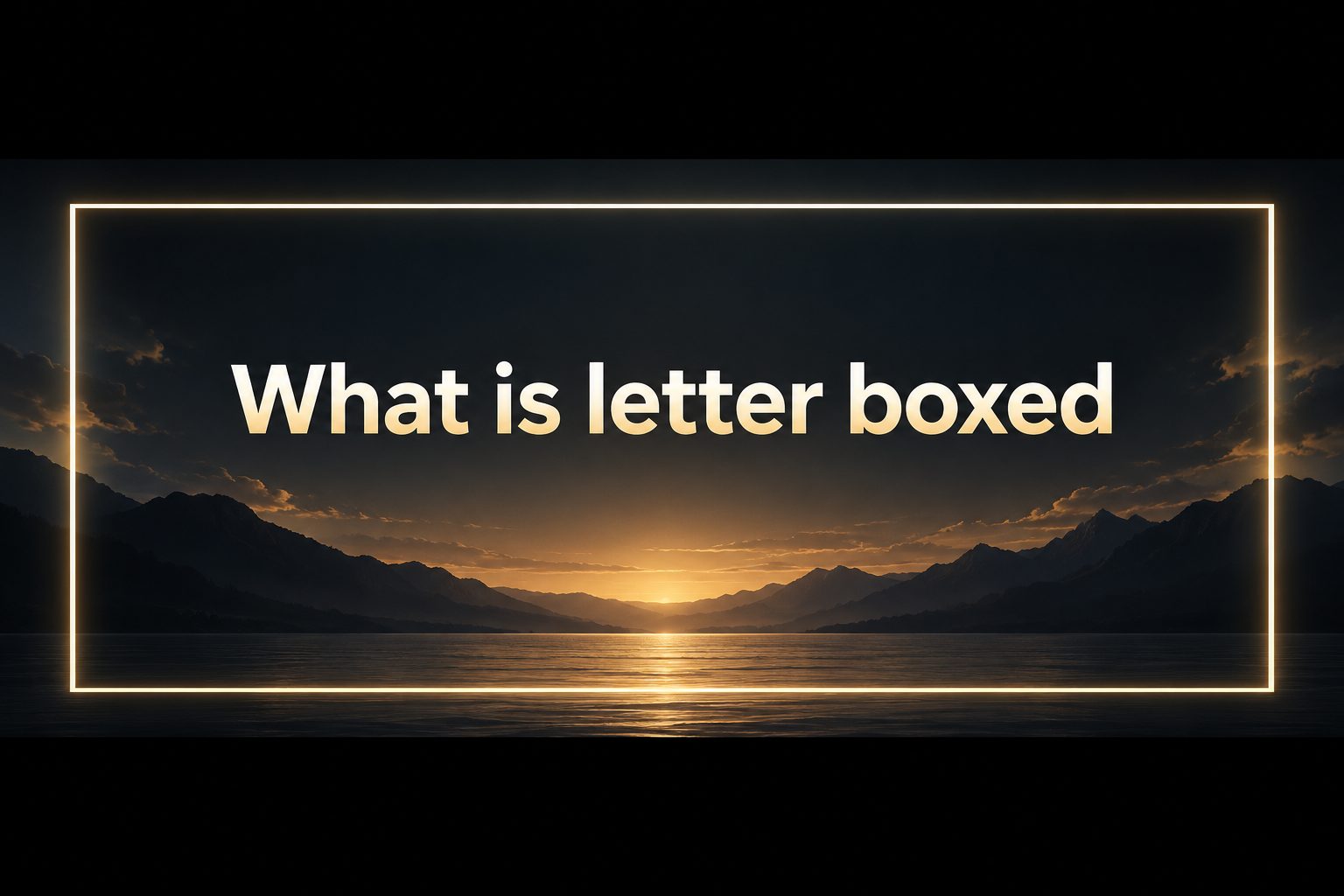
Letter boxed is a term most often used to describe a video or image that keeps its original wide shape by placing black bars above and below it. You may notice this effect when a movie is shown on a television screen or when a widescreen video appears inside a taller social media frame.
The black bars are not usually part of the filmed scene. They are added so the picture is not stretched, cropped, or distorted to fill a screen with a different aspect ratio. This preserves the creator’s intended composition.
Knowing what letter boxed means helps viewers, marketers, editors, and business owners make better choices when preparing visual content. It also makes it easier to tell the difference between intentional formatting and a display problem.
This guide explains how letterboxing works, why it matters, where it is used, common mistakes to avoid, and practical ways to choose the right format for a screen or platform.
The word letterbox comes from the narrow horizontal opening traditionally found on some mailboxes. A wide video with black bars at the top and bottom can resemble that long, thin shape.
Letterboxing is mainly connected to aspect ratio, which is the relationship between an image’s width and height. A cinema-style picture may be much wider than a standard television, computer display, or phone screen.
Instead of cutting off the sides of a wide picture, letterboxing fits the entire image within the available frame. The unused area becomes horizontal bars, often black but sometimes another neutral color.
This approach is especially common when films made for wide theatrical screens are played on narrower displays. It allows viewers to see the full shot, including details placed near the left and right edges.
Letterboxing is not automatically a sign of poor quality. In many cases, it is a deliberate decision that protects visual storytelling, framing, and the balance of people, objects, and scenery within a shot.
What Does Letter Boxed Mean In Video?
1. Preserving The Original Frame
A letter boxed video keeps the original frame visible when the screen shape does not match the source material. Rather than enlarging the picture until important edges disappear, the display scales it down evenly and leaves empty space at the top and bottom.
2. Working With Aspect Ratios
Aspect ratios explain why black bars appear. A very wide film may use a ratio such as 2.35:1, while many television displays are closer to 16:9. Because the film is wider, fitting it fully inside the television frame naturally creates horizontal unused areas.
3. Avoiding Image Distortion
Without letterboxing, a system may stretch a wide image vertically or compress it horizontally to fill the screen. That can make faces look unusually tall or wide and can change the intended appearance of graphics, buildings, and product packaging.
4. Keeping Cinematic Composition
Film directors often use a wide frame to guide attention across a landscape, show several people at once, or create visual distance between characters. Letterboxing protects those choices, while cropping may remove a key person, action, or storytelling clue.
5. Recognizing Horizontal Bars
Letterboxing creates bars above and below the active image. This differs from pillarboxing, which creates vertical bars on the left and right when a narrow or older-format image is shown on a wide display.
6. Separating Format From Quality
Black bars do not determine whether a video is high definition, sharp, or professionally made. Resolution, bitrate, lighting, focus, and compression affect quality, while letterboxing simply describes how the picture fits inside its current display area.
Why Is Letter Boxing Important?
1. It protects the full visual composition so viewers can see the scene as it was framed.
2. It prevents stretching that can make people, products, text, and scenery look unnatural.
3. It supports consistent playback when one video must appear on televisions, laptops, projectors, and mobile devices.
4. It helps filmmakers and editors preserve wide cinematic images without removing important side details.
5. It gives viewers a clear clue that the source image and the screen use different aspect ratios.
Benefits Of A Letter Boxed Format
- Full Scene Visibility: The audience can view the entire original frame instead of losing the outer edges to aggressive cropping.
- Accurate Proportions: People, logos, products, and on-screen text retain their intended shape because the image is not stretched.
- Creative Control: Editors and directors can preserve carefully planned framing, negative space, and visual storytelling choices.
- Reliable Playback: The same widescreen content can be shown on many displays without forcing a damaging format conversion.
- Professional Presentation: A letter boxed treatment can make a wide project feel deliberate and polished when it suits the content and platform.
- Clear Format Signals: The visible bars help viewers recognize that the image is being preserved rather than accidentally cut off.
How To Use Letter Boxing Well
1. Start With The Intended Screen
Before editing, decide where the video will mainly be watched. A cinema presentation, television ad, online course, mobile story, and social post can all need different framing choices, even when they begin with the same original footage.
2. Choose A Suitable Aspect Ratio
Select an aspect ratio that supports both the content and the viewing destination. Wide landscape footage may suit a traditional video player, while vertical content may perform better on a phone-first platform where horizontal bars would reduce the active image area.
3. Keep Important Details Inside Safe Areas
Place faces, product details, captions, and key actions where they remain visible after resizing. Even when letterboxing protects the full frame, some platforms add interface elements that can cover edges, captions, or lower-screen graphics.
4. Use Consistent Bar Colors
Black bars are common because they are unobtrusive, but other colors may fit a brand or presentation design. Use them deliberately and consistently, since bright or changing bars can distract viewers from the main image and weaken the professional result.
5. Check Captions And Graphics
Captions should sit within the active picture area unless the delivery requirements specifically allow another placement. Text placed over the bars may become difficult to read, look disconnected from the image, or disappear when a platform reformats the video.
6. Test The Final Export
Preview the finished video on the actual devices and platforms that matter most. Testing reveals whether the bars appear as intended, whether the platform adds additional cropping, and whether logos, captions, and focal points still look balanced.
Letter boxed describes a way of fitting a wide image into a differently shaped screen while preserving the original frame. The horizontal bars may be noticeable, but they often protect the image from cropping and distortion.
For viewers, letterboxing explains why a movie may not fill every part of a screen. For creators, it is a useful formatting choice that supports composition, accurate proportions, and consistent playback.
The best choice depends on the source footage, the audience, and the final display. When the full wide frame matters, letterboxing is often a practical and visually respectful solution.
FAQs About Letter Boxed Video
Why Does My Movie Have Black Bars?
Your movie likely has black bars because its original aspect ratio is wider than your screen. The player adds the bars above and below the image so it can show the complete frame without stretching it or cutting off details at the sides.
Is Letter Boxing The Same As Pillarboxing?
No. Letterboxing creates horizontal bars at the top and bottom of an image, usually when a wide video appears on a taller screen. Pillarboxing creates vertical bars on the left and right, usually when a narrower image appears on a wide screen.
Does Letterboxing Reduce Video Quality?
Letterboxing itself does not reduce video quality. It changes how the picture fits within a display. A video can still be sharp and high resolution with black bars, although poor compression, low resolution, or an incorrect export can reduce quality separately.
Can I Remove Letterbox Bars?
You can remove letterbox bars by zooming or cropping, but doing so usually cuts off part of the original image. If the bars are baked into the file, removing them may also require editing the video and accepting a loss of frame area.
When Should I Use A Letter Boxed Style?
Use a letter boxed style when retaining a wide composition is more important than filling every pixel of the destination screen. It works well for films, interviews, presentations, and landscape footage where important visual information extends across the full frame.
Are Black Bars Always Intentional?
Not always. They can be intentional letterboxing, but they may also result from a player setting, a mismatched export, or a video that already contains bars before it is uploaded. Checking the original file and playback settings helps identify the cause.